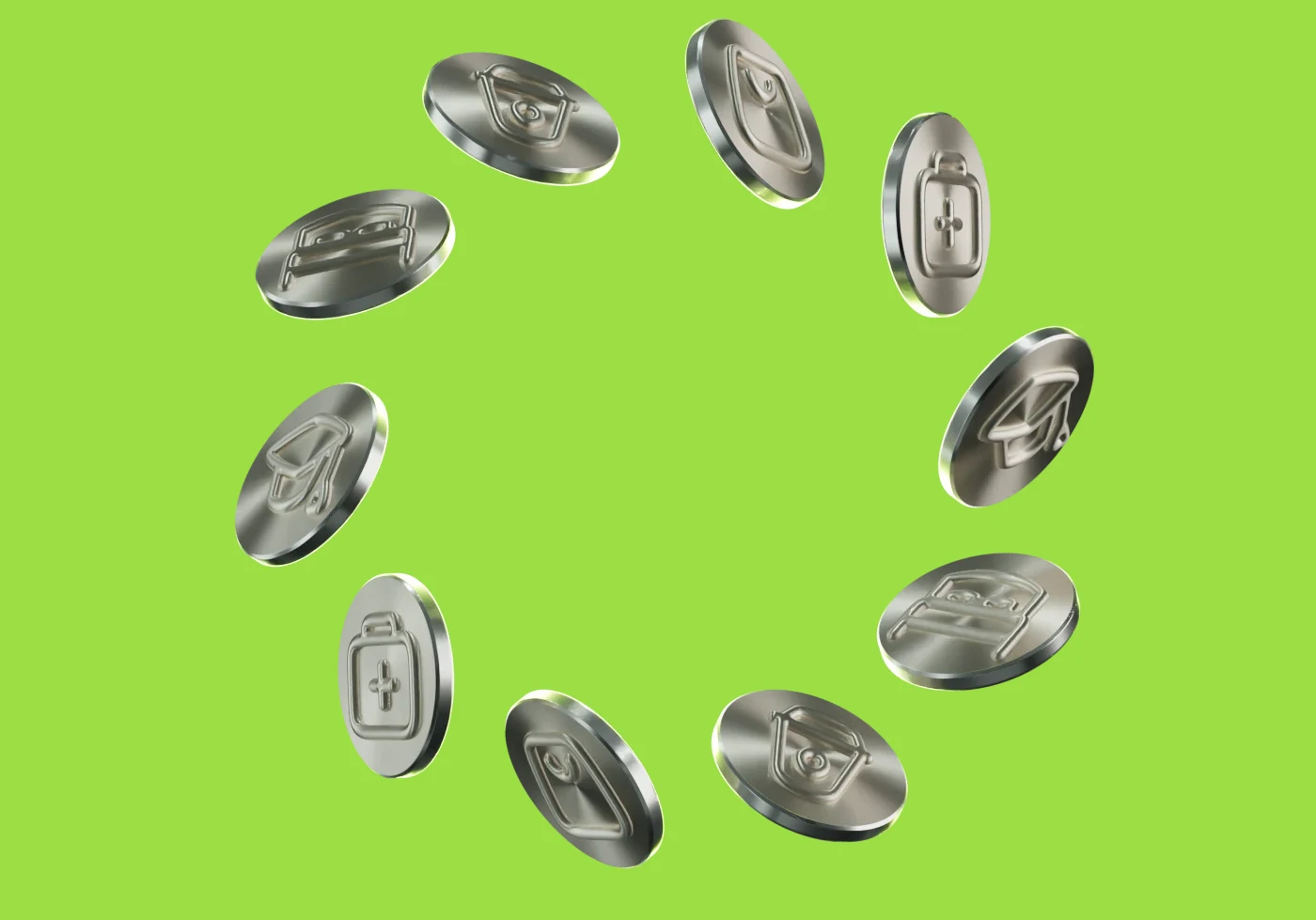
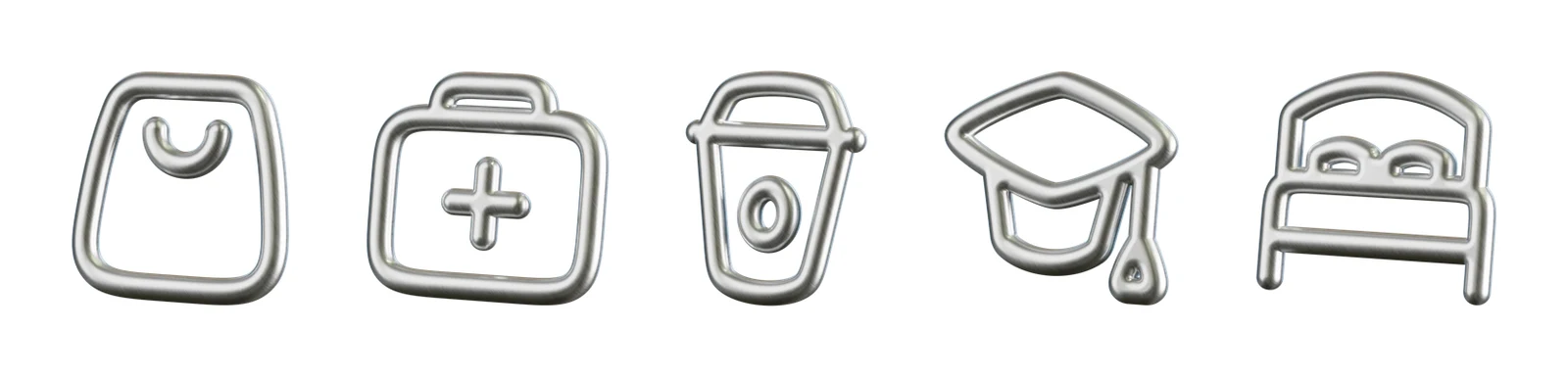
The Lansy icon and the industry icons as objects: a few materials, one studio light, one way of moving.
The materials
Four materials, each with one job. Nothing else.
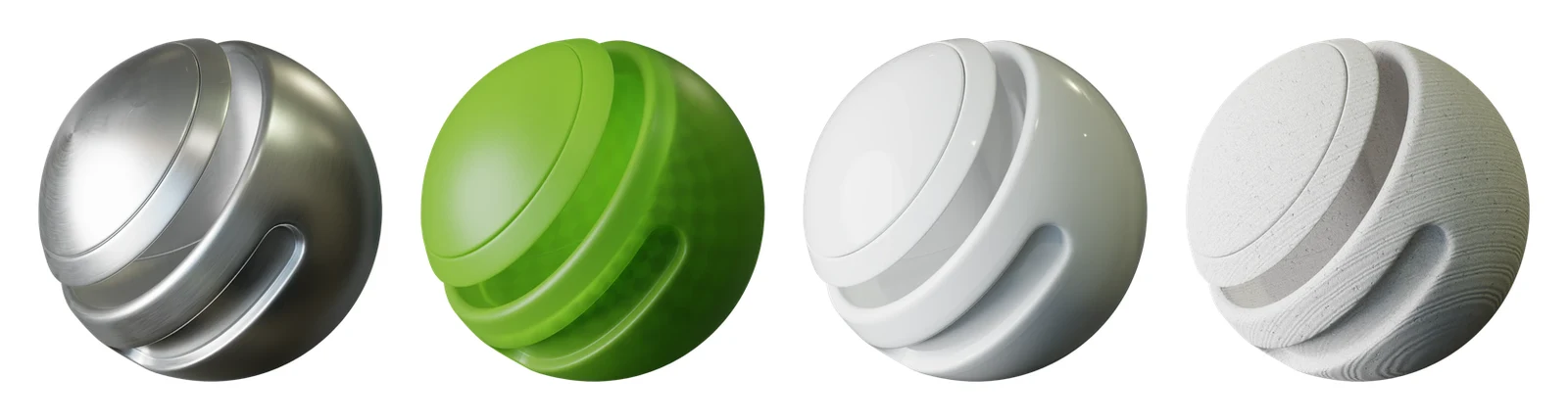
Aluminium · Lime glass · Porcelain · Ceramic
Brushed aluminium
the industry icons and the coins; brushing 0.4
Lime frosted glass
the Lansy squircle; 80% transmission, renders to #9CDE45
Porcelain
the palm on the squircle
Ceramic, unglazed
to try: calm, matte surfaces
Materials come from BlenderKit, free ones, applied as they are; their files live in 3d/dl/mats.
Lime is calibrated: a lime render is measured and lands on #9CDE45, never a brighter or a paler green.

The objects
The Lansy icon · glass and porcelainThe coins · aluminium
The industry icons · aluminium
An industry icon is a Hugeicons line icon (stroke 2.4 on its 24 grid) turned into round tubes. The same mesh stands alone or sits in relief on a coin.
Never generate the logo or an icon with an image model, and never redraw them: build them from the files.
Small sizes keep the flat icon. In a tab or a chip use the Hugeicons line icon, its stroke as heavy as the letters next to it.
Light and motion
The turn · 5 s loopThe swirl · 6 s loop
One studio: BlenderKit's material-preview light, the same for every render, so a material looks as on its preview.
Renders on transparency, laid on a flat brand ground: Lime, Primary Dark, Card or white. The object casts no shadow on the ground.
Facing left. When a render must face the other way, turn the scene in 3D; never flip the picture.
One way of moving: the Lansy icon's own turn: a rest, one full turn about the vertical axis, a small overshoot, a settle. Every animation is built from it.
In a layout
One 3D object per layout: one icon, or one coin, or the ring. The full set of icons lives only in their strip.
No marker or blob inside the render; the text and the blob stay on the page.